Key Takeaways
- Automated businesses capture 37% more leads than those relying on manual processes, positioning your local business for significant growth.
- Customers are 3x more likely to choose businesses offering 24/7 booking options and instant responses over competitors with traditional business hours.
- Implementing basic automation tools can save local businesses an average of 15-20 hours per week while simultaneously improving customer satisfaction.
- Pulse Technology CRM provides small businesses with affordable automation solutions that can be implemented within days, not months.
- Even small automation changes can yield dramatic results—most local businesses see positive ROI within the first 30 days of implementation.
If you’ve noticed your local business struggling to keep pace with larger competitors, automation might be the missing piece. It’s not just about efficiency anymore—it’s about survival. Modern customers expect instant service, personalized experiences, and frictionless transactions—all things that become nearly impossible when you’re drowning in manual processes.
The reality facing local businesses today is stark: automate or get left behind. At Pulse Technology CRM, we’ve seen firsthand how small businesses transform their growth trajectory when they embrace even basic automation tools. The good news? You don’t need enterprise-level budgets to compete effectively in today’s market.
The Silent Killer of Local Business Growth: Manual Processes
I walked into a local boutique last week and watched the owner juggling phone calls, manually writing down appointments, and trying to serve in-store customers simultaneously. Meanwhile, the shop next door had an automated booking system, text confirmations, and a staff focused entirely on providing exceptional customer experiences. Guess which business was packed with customers? This scene plays out thousands of times daily across America, and the businesses embracing automation consistently win.

The Hidden Cost of Staying Stuck in Manual Mode
Manual processes are costing you far more than you realize. When you’re manually entering data, scheduling appointments, or sending follow-up messages, you’re not just wasting time—you’re actively losing customers. The math is simple but sobering: if it takes you 10 minutes to respond to a lead while your automated competitor responds instantly, you’ll lose approximately 50% of those potential customers. For a business generating 20 leads per day, that’s 10 lost opportunities daily, or roughly 3,650 missed chances to convert customers annually.
Beyond the obvious time drain, manual processes create invisible costs that gradually erode your business foundation. Employee burnout increases when staff spend hours on repetitive tasks instead of meaningful customer interactions. Customer satisfaction plummets when your team is too overloaded with administrative work to provide personalized service. And perhaps most critically, your ability to scale becomes severely limited when growth requires proportional increases in labor.
“We were spending 22 hours weekly on tasks that could be automated. After implementing basic automation, those same tasks take just 3 hours, and our customer satisfaction scores increased by 42%.” – Maria Rodriguez, Local Bakery Owner
Why Your Customers Are Silently Choosing Automated Competitors
Today’s consumers have been trained by Amazon, Netflix, and countless apps to expect instant gratification. When they reach out to your business at 9 PM and receive no response until your office opens at 9 AM the next day, they’ve likely already moved on to a competitor with automated response systems. The modern customer journey is rarely confined to business hours—82% of consumers expect immediate responses, and 64% will choose a competitor who can provide it.
Your customers aren’t explicitly telling you they want automation—they’re showing you by choosing businesses that offer it. They prefer the salon that sends automatic appointment reminders, the plumber whose website lets them book instantly, and the restaurant that remembers their preferences without asking. While they value the personal touch of local businesses, they’re increasingly unwilling to sacrifice convenience to get it. For a comprehensive overview of how automation can benefit your business, check out this guide on marketing automation tools.
5 Automation Wins That Immediately Attract More Customers
The beauty of automation for local businesses is that even small changes can deliver immediate impact. You don’t need to overhaul your entire operation overnight. Instead, focus on customer-facing processes that directly influence buying decisions and satisfaction. These five automation wins consistently deliver the fastest return on investment for local businesses. For more insights, consider exploring workflows that small businesses can automate to save time.
24/7 Appointment Booking That Never Sleeps
When I analyzed booking patterns for local businesses, a startling trend emerged: 64% of appointments are scheduled outside traditional business hours. Implementing a 24/7 booking system isn’t just convenient—it’s capturing business that would otherwise be lost. Modern booking tools like Calendly, Acuity, or industry-specific options connect directly to your calendar, send automatic confirmations, and reduce no-shows with automated reminders. One salon owner told me her revenue increased by 32% within two months simply by implementing online booking, with most of that growth coming from appointments made between 8pm and 11pm when her business was closed.
Instant Response Systems That Make Customers Feel Valued
Research consistently shows that response time is the single most important factor in lead conversion. Implementing chatbots on your website and automated responses to inquiries creates the impression of a business that values customer time. Even a simple system that acknowledges receipt of a message and sets expectations for a personal follow-up significantly increases conversion rates. These systems don’t replace human interaction—they enhance it by ensuring no customer feels ignored while freeing your team to provide more meaningful responses when they do engage. For more insights, check out how small businesses can automate workflows to save time.
- Website chatbots can answer common questions 24/7 and route complex inquiries to staff
- Email autoresponders acknowledge receipt and set response expectations
- SMS automation provides instant confirmations and updates
- Social media response tools ensure no comment or message goes unnoticed
Smart Follow-ups That Keep You Top of Mind
The difference between a one-time customer and a loyal regular often comes down to effective follow-up. Automated systems can trigger personalized messages based on customer behavior: a thank-you after first purchases, check-ins after service appointments, or reminders when it’s time for maintenance or replenishment. These touchpoints create the impression of a business that genuinely cares about customer satisfaction while systematically encouraging repeat business. A local auto repair shop implemented automated service reminders and saw a 47% increase in repeat maintenance appointments—all from a simple automation sequence that cost nothing but the initial setup time.
Personalized Marketing That Speaks Directly to Customer Needs
Generic marketing rarely resonates with today’s consumers. Automation tools now make it possible for even the smallest businesses to deliver personalized marketing based on customer preferences, purchase history, and behavior. Segmenting your email list to send targeted promotions results in conversion rates 3-5 times higher than generic blasts. A local bookstore implemented a simple system that recommends new releases based on previous purchases, resulting in a 28% increase in return customers. Your customers are being conditioned to expect personalization from major brands—and local businesses that deliver it gain a significant competitive advantage.
Streamlined Checkout That Eliminates Purchase Friction
Cart abandonment is the silent profit killer for many local businesses with online components. Implementing automated checkout systems with saved payment information, one-click ordering, and automatic receipts removes the friction that causes customers to abandon purchases. For service businesses, automated invoicing with online payment options typically results in getting paid 7-10 days faster while reducing the administrative burden of payment processing. The easier you make it for customers to pay you, the more revenue you’ll capture—it’s that simple.
Real Businesses, Real Results: Local Success Stories
Automation isn’t just a theoretical benefit—it’s transforming real local businesses in every industry. These success stories demonstrate how strategic automation implementation creates measurable business growth without losing the personal touch that makes local businesses special.
The Restaurant That Doubled Reservations Through Booking Automation
Bella’s Bistro, a family-owned Italian restaurant, was struggling with phone reservations that tied up staff during busy service hours and frequently resulted in booking errors. After implementing an online reservation system with automatic confirmation texts, they experienced a 103% increase in bookings within three months. Owner Marco Bella notes that the system paid for itself within two weeks. “We’re capturing reservations at midnight when no one would be answering phones, and our hosts now focus entirely on greeting guests instead of juggling phone calls during dinner rush,” he explains. The automation also reduced no-shows by 68% through automated reminders sent 24 hours and 2 hours before reservation times.
How a Small Retail Shop Used Inventory Automation to Never Disappoint Customers Again
Woodland Toys, a specialty children’s store, was consistently losing sales when popular items went out of stock because their manual inventory system couldn’t keep pace with demand. After implementing inventory automation that triggered reorders when stock reached predetermined levels, they saw an 18% revenue increase in the first quarter. “We were constantly telling customers ‘sorry, we’re out of that’ which not only lost the immediate sale but damaged our reputation as a reliable source,” says owner Samantha Woods. “Now we rarely run out of popular items, and our system automatically alerts customers who’ve shown interest when new merchandise arrives. These automated alerts have a 42% conversion rate—far higher than any other marketing we do.”
The Service Business That Grew 40% After Automating Client Communications
Clear View Window Cleaning was drowning in scheduling coordination, with the owner spending up to four hours daily on phone calls and text messages to confirm appointments. After implementing an automated scheduling and communication system, owner James Chen reclaimed those hours for service delivery and business development. “The automated appointment reminders reduced cancellations by 75%, and the follow-up system that triggers review requests has given us 118 new 5-star reviews in six months,” James reports. Most impressively, the time saved allowed him to focus on growth strategies that expanded his client base by 40% within a year—all without adding administrative staff.
Start Small, Win Big: Your 30-Day Automation Plan
The most common mistake I see local businesses make is trying to automate everything at once. This approach typically leads to overwhelm, poor implementation, and ultimately, abandonment of automation entirely. Instead, follow this proven 30-day plan that focuses on quick wins to build momentum and confidence.
Week 1: Identify Your Biggest Customer-Facing Bottleneck
Begin by examining where your customer experience consistently breaks down. Is it slow response times to inquiries? Difficulty booking appointments? Inconsistent follow-up? Conduct a simple customer journey audit by walking through every touchpoint from initial discovery to post-purchase. Look for delays, friction points, and manual processes that create inconsistency. Talk to your frontline staff—they typically know exactly where the system breaks down because they’re the ones fielding customer complaints. By the end of this week, you should have identified one high-impact process to automate that will directly improve the customer experience.
Week 2: Select and Set Up Your First Automation Tool
With your target process identified, research tools specifically designed for that function. Don’t get distracted by all-in-one platforms with features you won’t use yet. For appointment booking, look at specialized tools like Calendly or Acuity. For customer follow-up, consider email automation platforms like MailChimp or ActiveCampaign. Dedicated tools typically offer better functionality at lower price points than comprehensive solutions. Set aside 2-3 hours for initial setup—most modern tools are designed for non-technical users and feature intuitive interfaces. The key is to fully configure the tool for your specific business processes rather than using generic templates.
Week 3: Train Your Team and Test Your System
Even the best automation fails if your team doesn’t understand or utilize it properly. Dedicate time to thoroughly train everyone who will interact with the system. Create simple documentation that outlines exactly how the process now works, who’s responsible for what, and how to handle exceptions. Then test your automation rigorously before fully deploying it. Send test messages, create sample bookings, and intentionally try to “break” the system to identify gaps. This testing phase often reveals important refinements that can make the difference between automation that frustrates customers and automation that delights them.
Week 4: Measure Results and Plan Your Next Automation
The final week is about measuring impact and planning your next steps. Establish clear metrics to track improvement: response times, booking rates, staff time saved, customer satisfaction scores, or revenue increases. Document these baseline improvements—they’ll provide the business case for future automation investments. With one successful automation under your belt, identify your next opportunity using the same criteria: high customer impact and reasonable implementation complexity. Success breeds success in automation, and starting with a focused approach builds organizational confidence and capability.
How to Automate Without Breaking the Bank
Contrary to what many business owners believe, effective automation doesn’t require enterprise-level budgets. The automation landscape has evolved dramatically in recent years, with powerful tools now available at price points accessible to even the smallest local businesses. The key is knowing where to invest for maximum impact and how to scale your automation as your business grows.
Free and Low-Cost Tools That Deliver Immediate Results
Start your automation journey with tools that offer robust free plans or low monthly subscriptions under $50. Google Forms can create simple lead capture systems that feed directly into spreadsheets. Calendly offers a free tier that handles basic appointment scheduling. Many email platforms like MailChimp provide free automation sequences for lists under 2,000 contacts. Facebook’s built-in response assistant costs nothing and can handle basic customer inquiries after hours. These entry-level tools may lack advanced features, but they solve the fundamental automation challenges facing most local businesses without requiring significant investment. For a comprehensive overview of such tools, check out this guide on marketing automation tools.
When to Invest More for Bigger Returns
- When customer volume exceeds the limitations of free tools
- When you need deeper integration between multiple systems
- When advanced analytics would directly inform business decisions
- When automation directly impacts your primary revenue drivers
- When staff time savings would offset the cost of premium tools
The time to upgrade comes when basic automation proves its value and begins revealing new opportunities. A service business that successfully automates appointment booking might then invest in a more comprehensive system that integrates with their accounting software and customer database. This staged approach ensures each investment is justified by proven results rather than speculative benefits.
Many local businesses find that a hybrid approach works best—using premium tools for core business functions while leveraging free options for secondary processes. A dental practice might invest in specialized patient management software with robust automation while using free social media scheduling tools for their marketing efforts. This targeted investment strategy maximizes ROI by focusing resources where they create the most value.
Remember that the cost of automation should always be weighed against the cost of not automating. When calculating ROI, factor in not just direct expenses saved, but opportunity costs recovered. If automation frees 15 hours of staff time weekly, what revenue-generating activities could now fill that time? These indirect benefits often dwarf the direct savings and provide the true financial justification for automation investments.
The Automation Mindset: Building a Business That Outperforms
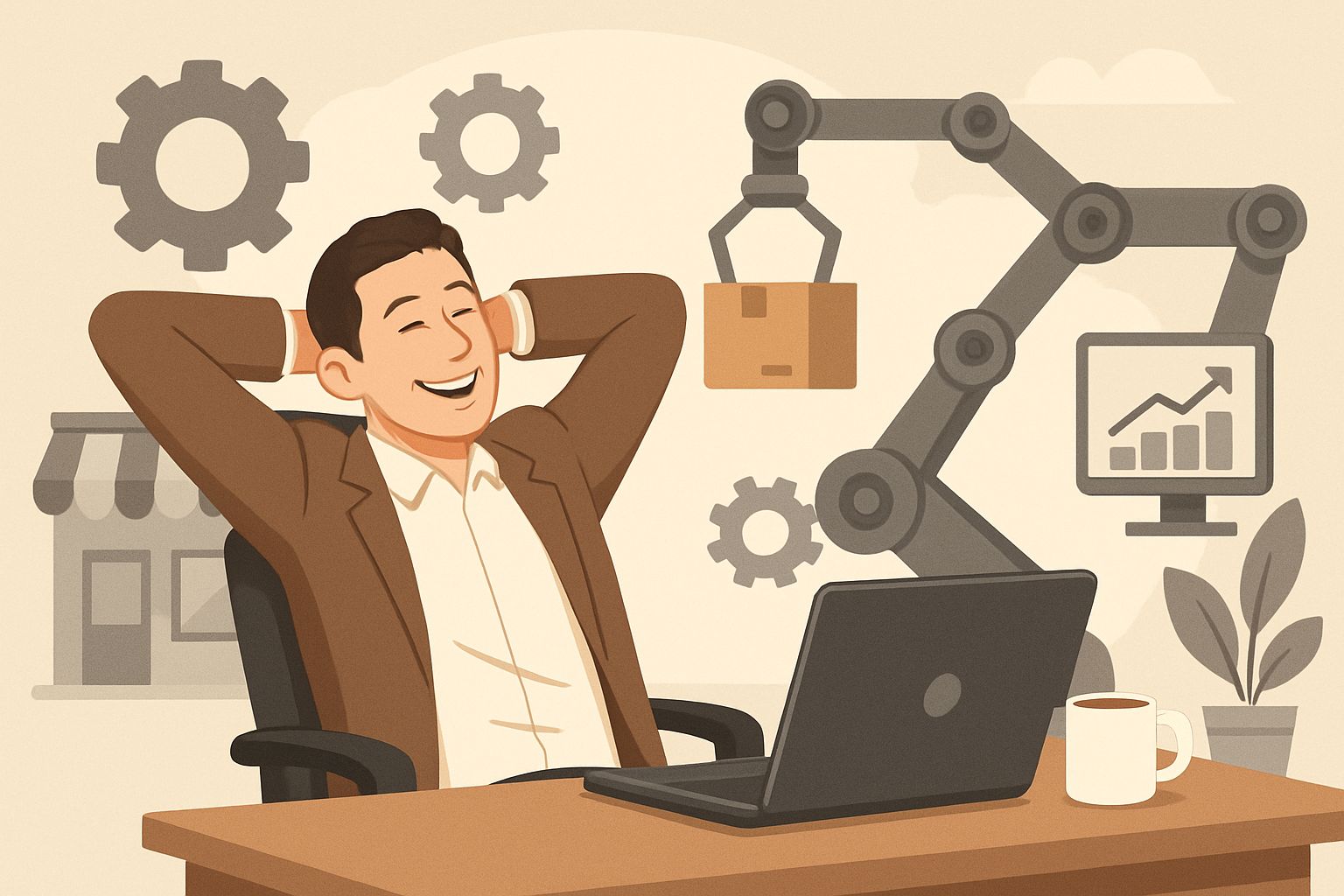
Successful automation isn’t ultimately about technology—it’s about adopting a fundamentally different approach to business operations. The businesses that extract maximum value from automation develop what I call the “automation mindset,” where they constantly evaluate every process through the lens of “Could this be automated?” and “Should this be automated?” This perspective shift transforms automation from a one-time project into an ongoing competitive advantage that continuously widens the gap between your business and less adaptive competitors.
Frequently Asked Questions
After helping hundreds of local businesses implement automation, I’ve noticed certain questions arise consistently. These answers address the most common concerns and misconceptions about business automation.
Many business owners worry that automation will feel impersonal or damage the relationships they’ve worked hard to build with customers. The reality is more nuanced and depends entirely on implementation approach.
- Automation done poorly can indeed feel robotic and distant
- Automation done well creates space for more meaningful personal interactions
- The best automation is invisible to customers or enhances their experience
- Human touchpoints should be strategically preserved at key decision points
The automation sweet spot for most local businesses is using technology to handle routine transactions and information exchange while reserving human interaction for moments that build relationships and demonstrate expertise. This balanced approach actually enhances the personal touch rather than diminishing it.
What’s the first business process most local businesses should automate?
Lead capture and initial response is typically the highest-impact first automation for most local businesses. When a potential customer reaches out through your website, social media, or by phone, an immediate response dramatically increases conversion probability. Automating this initial touchpoint ensures consistent follow-up regardless of when the inquiry arrives or how busy your team might be.
After mastering initial response automation, appointment scheduling or basic customer follow-up sequences usually offer the next best return on investment. These processes directly impact revenue generation while being relatively straightforward to implement with widely available tools.
How much can I expect to spend on basic automation tools for my local business?
Most local businesses can implement foundational automation systems for $50-200 monthly. This typically includes appointment booking software ($20-50/month), email marketing automation ($15-75/month), and basic customer management tools ($20-100/month). More specialized industry solutions might cost more but usually deliver proportionally higher value through tailored functionality. For a comprehensive overview, check out this guide on marketing automation tools.
The good news is that automation costs have decreased dramatically in recent years while capabilities have expanded. Many platforms now offer tiered pricing that scales with your business, allowing you to start with basic functionality and add features as needs evolve and ROI is proven. Some industry-specific solutions may have higher price points but often eliminate the need for multiple separate tools.
Will automation make my business feel less personal to customers?
When implemented thoughtfully, automation actually enables more personalization, not less. By handling routine communications and processes consistently, automation frees your team to focus on meaningful customer interactions rather than repetitive tasks. The key is designing automated touchpoints that reflect your brand voice and creating decision trees that route complex inquiries to human team members. The most successful businesses use automation to handle the predictable while preserving human interaction for moments where empathy and expertise create differentiation.
How long does it typically take to see results from business automation?
Most local businesses see measurable results within the first 2-4 weeks of implementing customer-facing automation. Appointment booking systems typically show immediate impact on scheduling efficiency and after-hours bookings. Response automation demonstrates value within days through faster lead engagement metrics. The financial impact usually becomes clear within the first full month as conversion improvements and time savings accumulate.
Internal process automation may take slightly longer to show clear ROI—typically 30-60 days as new workflows become established and staff adapt to the changes. The full benefit of comprehensive automation systems often continues to grow for 3-6 months as you refine processes based on performance data and customer feedback.
Do I need technical skills to implement automation in my local business?
Modern automation platforms are specifically designed for non-technical business owners and require minimal technical knowledge. Most feature intuitive visual interfaces, pre-built templates, and extensive support resources. If you can use social media or basic office software, you can implement fundamental business automation. More complex integrations between multiple systems might eventually require technical assistance, but this typically becomes relevant only after you’ve successfully implemented and proven the value of basic automation.
Many automation platforms offer free onboarding support, and there’s a robust ecosystem of freelancers specializing in setting up common business automation tools at reasonable rates. Don’t let perceived technical barriers prevent you from moving forward—the learning curve is much gentler than most business owners anticipate.




Leave a Reply